A one-week Brownsville transportation experiment
A Brownsville Week on Wheels: Transit Gaps, Port Roads, and Rain
A Brownsville vehicle search becomes clearer when transit coverage, one regional or port-related route, one rain-day routine, real passenger and cargo loads, and complete ownership cost are written down before a listing enters the comparison.
Local information reviewed August 16, 2026 · Official sources below
A Brownsville one-week transportation experiment
Use transit coverage, a port-corridor case, and a rain-day case to expose the real vehicle need
Build the vehicle side of the experiment in the local used-car guide for Brownsville drivers, then pull actual candidates from current EZ Keys vehicle listings for Brownsville-area shoppers. Map one ordinary week with B-Metro and shared rides first, then create one vehicle case around a recurring regional or port-related corridor and another around neighborhood stops or heavy-rain conditions. Include departure windows, passengers, cargo, lighting, parking, and missed-trip consequences. City of Brownsville — Transportation Plans, Rio Grande Valley MPO — Transit Planning, and Port of Brownsville — Official Website provide official planning context without selecting a vehicle for the household.
Keep this experiment separate from financing claims. If a finalist survives title, recall, road-test, insurance, cooling, wet-weather, and independent-inspection review, use in-house financing guidance for Brownsville-area shoppers for applicant verification and the Buy Here Pay Here guide for Brownsville-area shoppers for payment and account-servicing questions. Confirm the VIN, Houston location, representative, inspection access, hours, and appointment before travel. Time invested, a published listing, or a submitted application should never replace current facts or written terms.
Three focused city shopping topics
Keep Brownsville application, program, and vehicle questions in their proper guides
The links below lead to focused vehicle and financing guides, making it easier to reach the information that matches your question.
In-house financing Brownsville: use the dedicated application guide to connect a selected VIN with verified applicant information, requested records, and the complete written proposal. A Brownsville address and a transmitted form are inputs to review, not a decision or a set of financial terms.
Buy Here Pay Here Brownsville: use the program guide to identify the seller, creditor or contract holder, and account servicer and compare payment destinations, methods, timing, fees, late provisions, and payoff language in the proposed documents.
Used cars Brownsville: use the vehicle guide to compare transit gaps, regional and city cases, heat, heavy rain, passengers, cargo, VIN records, inspection findings, insurance, and ownership cost before choosing a current listing.
Local driving comes first
Build a Brownsville vehicle plan around the routes, schedules, and conditions that repeat
A Brownsville week can use I-69E and US 77/83 for travel toward Harlingen, US 281 and Military Highway across the lower Valley, SH 48 toward Port Isabel, SH 4 toward Boca Chica, FM 802, FM 511, bridge approaches, and city streets serving homes, schools, medical visits, shopping, and downtown. The City of Brownsville transportation plans and the TxDOT Pharr District are useful starting points for understanding the public network, but they do not predict the exact traffic, construction, weather, or travel time on a future trip. Write down the corridors that actually repeat, the departure windows, longest continuous segment, passengers, cargo, and parking constraints. Then evaluate lawful acceleration, braking, straight tracking, mirrors, blind areas, turning, and low-speed control on the exact candidate.
The current B-Metro Rider Guide and Rio Grande Valley MPO transit-planning materials can help a household compare public transportation with its real calendar. A route may support some work, school, medical, shopping, or downtown trips without matching an early shift, late return, family handoff, outlying destination, or load of tools and supplies. Mark the trips that transit or shared rides can reliably cover and the ones left to a vehicle. That comparison can change the value of fuel economy, parking size, passenger space, cargo access, range, and schedule flexibility. It is a planning exercise, not a statement that transit works or fails for every Brownsville household.
Use those everyday Brownsville needs to compare vehicles, then tell the EZ Keys team what matters most to you.
Brownsville local planning
Map the trips B-Metro or shared rides can cover before defining the vehicle job
Start with seven ordinary days. Record work, school, medical, shopping, family-care, and other required trips, including departure windows, return times, passengers, cargo, and the consequence of a missed connection. Compare the current B-Metro Rider Guide and regional transit-planning materials with that calendar. Mark trips that transit or shared rides can reliably handle and those that remain uncovered because of timing, transfers, distance, passenger needs, or equipment. Do not generalize from one route or assume a schedule continues unchanged. The purpose is to define the vehicle's actual weekly job, not to rate the transit system.
For the uncovered trips, calculate weekly mileage and separate routine capacity from rare maximum loads. Measure child restraints, mobility devices, tools, uniforms, groceries, coolers, sports gear, or luggage. Record parking limits, step-in needs, door access, and whether equipment must be separated from passengers. This exercise may show that a compact candidate handles most obligations, or that a larger cabin or cargo opening solves a repeated need. It does not prove which body style or vehicle is best; the exact VIN still needs a road test, condition review, insurance quote, and complete-cost comparison.
Compare these local needs with the local vehicle comparison guide, then keep application questions in the secure financing application guide and program questions in the dealership-connected financing guide.
Brownsville local planning
Design one heavy-vehicle corridor case and one rain-day city case
Choose the most demanding recurring I-69E, Military Highway, SH 48, SH 4, or port-related trip for the first case. Note the time, longest continuous segment, heavy-vehicle exposure, merges, sightlines, passengers, cargo, and expected fuel use. Convert those facts into observations for a permitted test drive: lawful acceleration, brake feel, straight tracking, steering correction, mirrors, blind areas, seat support, cabin noise, cooling, tires, exterior lighting, and driver controls. Use official city, TxDOT, and Port of Brownsville resources for durable network context, then check current conditions separately when an actual trip is planned.
For the second case, choose a day with neighborhood stops and heavy-rain concerns. Test low-speed braking, turning, parking visibility, wiper speeds, washers, defogging, lights, tires, glass, door seals, and the view through mirrors and cameras. Let the engine reach operating temperature and run the climate system while stopped and moving. With permission, look at accessible interior, cargo, and spare-tire areas and record evidence without inventing a cause. Apply the same sequence to every candidate so an attractive feature, clean cabin, or lower displayed mileage does not erase a condition question.
Brownsville local planning
Use VIN evidence and full annual cost to break a close tie
Match the VIN across the published detail page, Texas title resources, available history, recall lookup, Buyers Guide, service information, insurance quote, and proposed documents. Ask an independent technician to evaluate a serious candidate when practical and request plain-language urgency and estimated cost for cooling, battery, electrical, tire, brake, steering, suspension, leak, diagnostic, visible-repair, or water-related findings. Add near-term work to the scorecard. Neither records nor an inspection guarantee future performance, but they make the decision less dependent on appearance and general model reputation.
Calculate annual fuel from the uncovered weekly trips, then add VIN-specific insurance, registration, routine maintenance, tires, inspection priorities, and repair savings. For a financed purchase, place cash price, taxes and fees, down payment, trade allowance and payoff, optional products, amount financed, APR when applicable, finance charge, payment frequency and count, total of payments, insurance duties, late provisions, and early-payoff language beside those ownership costs. Before leaving Brownsville, confirm the VIN, status, price information, Houston location, representative, inspection access, hours, and appointment at 17650 Northwest Fwy, Houston, TX 77065.
Test the short list against a real week
Build a Brownsville comparison loop before choosing a vehicle
A useful comparison is more specific than “mostly city” or “mostly highway.” Write down the trips that must work every week, the people and equipment involved, the parking or loading constraints, and the time of day. Then compare the same facts for every candidate instead of changing the standard when one listing looks attractive.
Drivers around Brownsville—including Brownsville, Los Fresnos, Rancho Viejo—can use places that belong to their real routine to create a weekday example: starting conditions, stop frequency, expected passengers, cargo, parking, and the longest uninterrupted segment. This reveals which vehicle traits deserve closer attention.
Add a second example using Olmito, San Pedro, Port Isabel or the communities that better match your life. Make this one a weekend, family, work, medical, school, or longer-distance trip. A vehicle that feels adequate on a short solo drive may give a different answer once seating, child restraints, tools, mobility equipment, groceries, luggage, visibility, and entry height are tested together.
- Write the two route examples.Use actual recurring destinations and needs to make the comparison useful.
- Use one scorecard.Rate seat comfort, visibility, controls, cargo access, parking effort, ride, cabin noise, climate performance, and fuel expectations the same way for every vehicle.
- Record useful details.Keep the VIN, listing link, mileage, tire observations, history information, inspection findings, insurance quote, and written price details together.
- Use helpful local sources.Review resources such as City of Brownsville — Transportation Plans and City of Brownsville — B-Metro Rider Guide when transportation or planning facts affect the comparison.
- Ask the EZ Keys team.Share your favorite vehicles and questions so the EZ Keys team can help you choose the next step.
Use the Brownsville used-car buying guide to turn this scorecard into a vehicle inspection plan.
For more Texas driving and car-shopping tips, read South Texas and Rio Grande Valley Vehicle Preparation and use the ideas to compare your favorite vehicles.
A useful short list starts with questions
Five questions for a Brownsville used-car comparison
1 · Weekly route
What is the longest recurring trip?
Compare highway comfort, city maneuvering, fuel use, visibility, parking, and schedule reliability against the real week—not one ideal drive.
2 · People and cargo
What must fit every time?
Count occupied seats and measure child restraints, mobility items, tools, work gear, pets, groceries, or luggage that regularly travels.
3 · Condition
What does this VIN reveal?
Review the specific vehicle’s condition, history information, warning lights, tires, cooling, electronics, test drive, and inspection options.
4 · Ownership cost
What costs sit outside the payment?
Include insurance, fuel, tires, service, registration, parking or tolls where relevant, optional products, and a repair reserve.
5 · Written deal
Can every number be explained?
Review price, taxes and fees, trade and payoff, amount financed, APR when applicable, finance charge, schedule, and total of payments.
Keep the decision reviewable
Turn Brownsville vehicle notes into questions the EZ Keys team can answer
Save two or three candidates instead of depending on one listing. For each vehicle, keep the current link, VIN or stock number when available, advertised mileage, visible features, and the reason it may fit the two route examples. That gives EZ Keys a useful starting point if the first choice changes.
Open each real vehicle listing and photo gallery, then use the secure credit application for information needed in an individual financing review. Before traveling to 17650 Northwest Fwy, Houston, TX 77065, ask the EZ Keys team to confirm current vehicle status, telephone, hours, contact person, appointment, and the secure document channel.
Separate contract questions with the Brownsville financing FAQ guide, and keep requested records organized with the Brownsville document checklist.
- Keep the link and VIN for every Brownsville vehicle candidate.
- Request current mileage, availability, and price information.
- Ask whether an independent inspection and sufficient test drive can be arranged.
- Obtain a VIN-specific insurance quote for the intended drivers and use.
- Compare selling price, amount financed, APR when applicable, payment schedule, total of payments, and optional products.
- Confirm the exact vehicle and appointment at the Houston dealership before leaving.
More ways to prepare
Choose your next step in Brownsville
Review the dealership-connected financing guide, then read the application and verification guide when you are ready to understand application and written-term questions.
Compare the local vehicle guide, review the document checklist, use the inspection and buying guide, or open the secure application path.
Real EZ Keys inventory · real vehicle photo galleries
See a Brownsville-area vehicle you like?
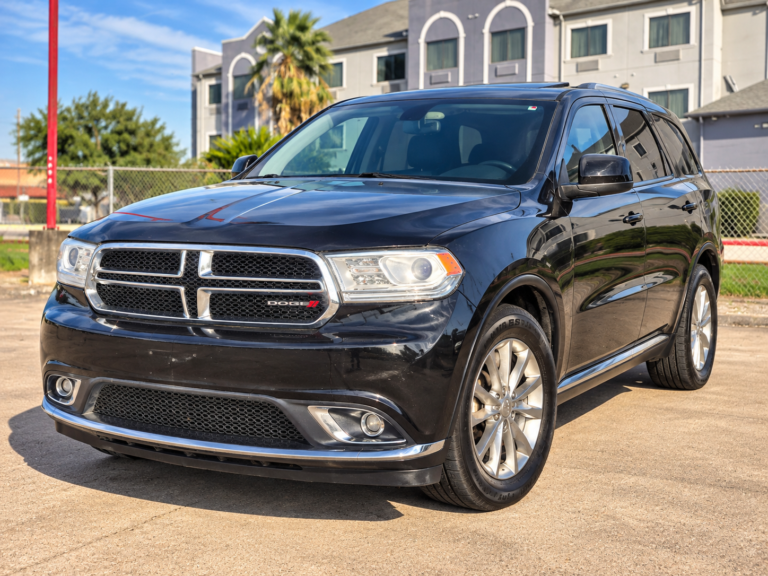
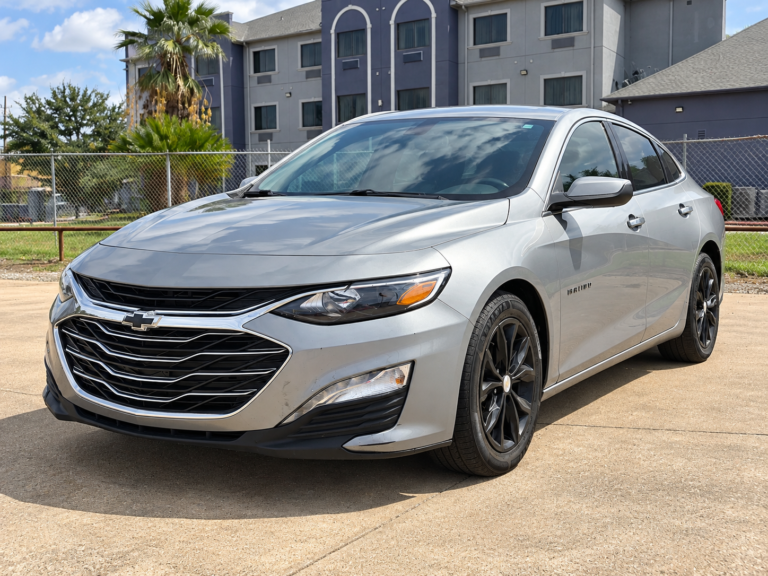
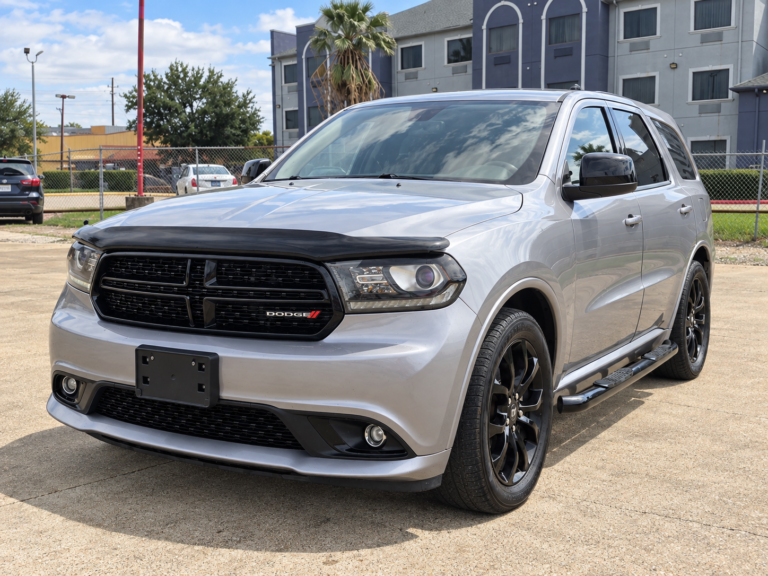
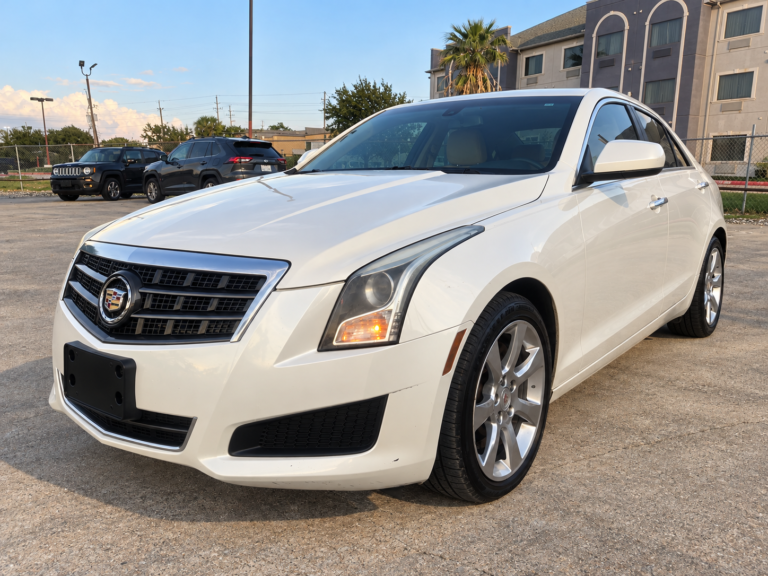
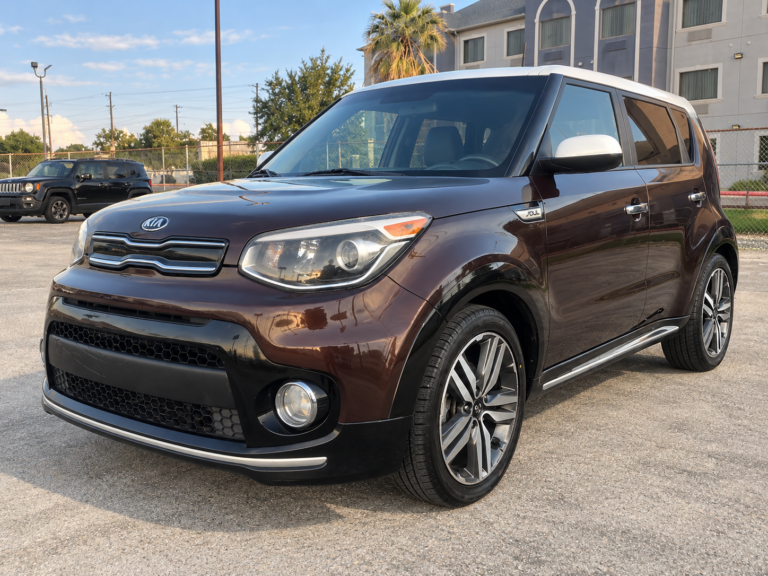
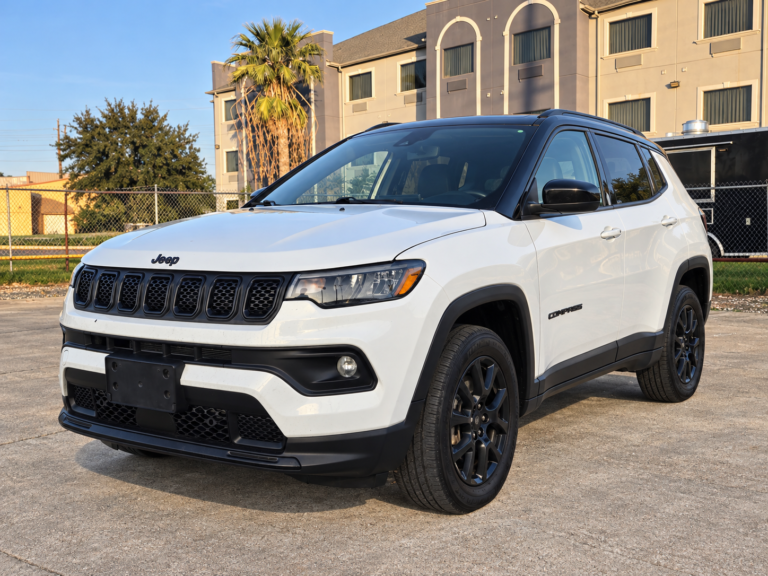
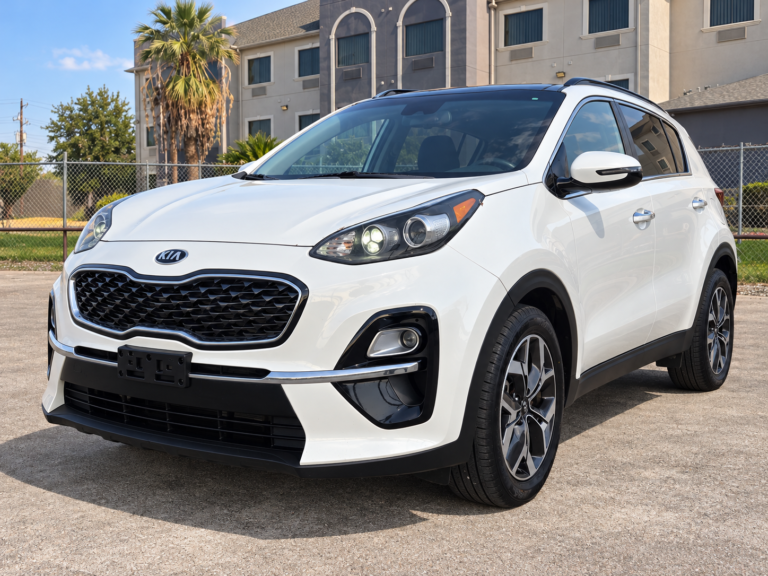
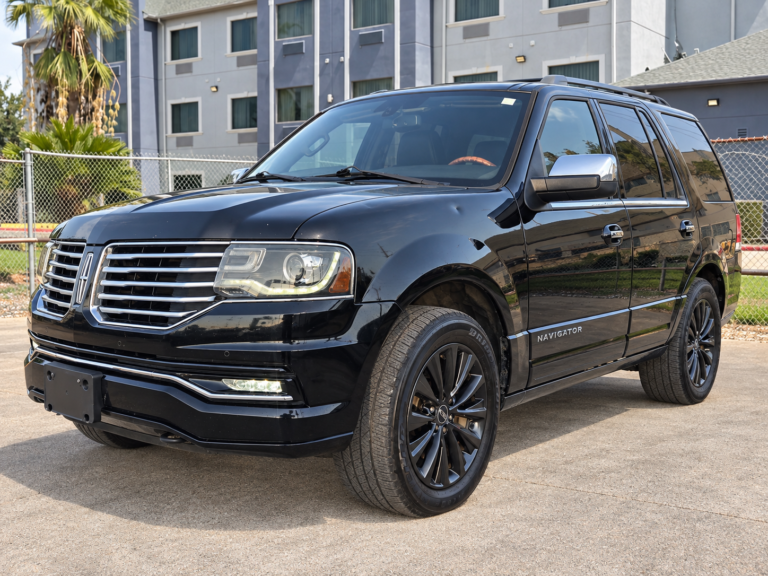
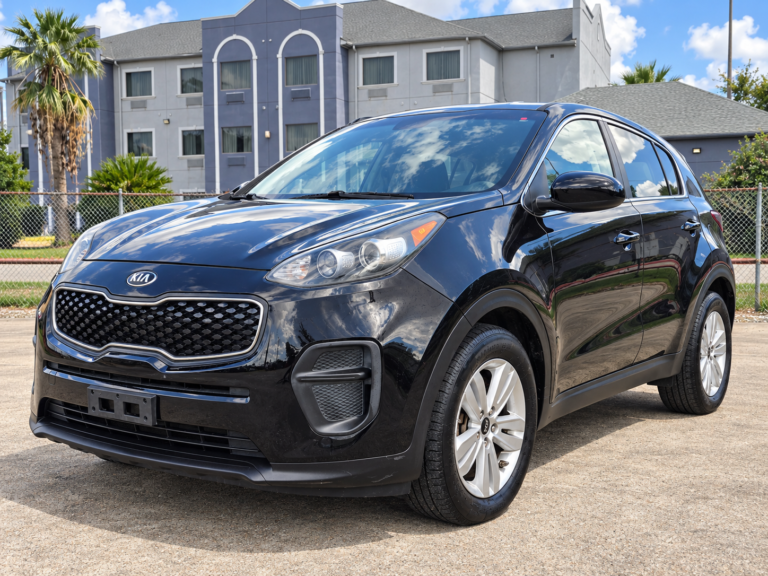
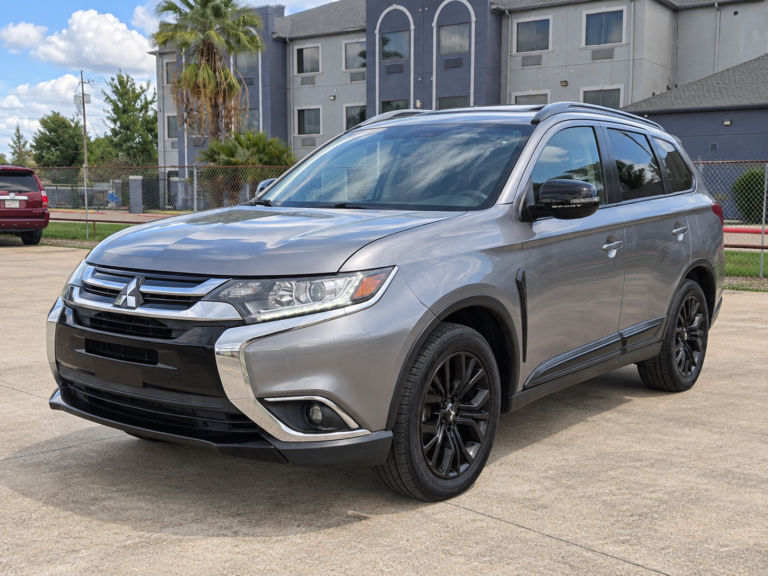
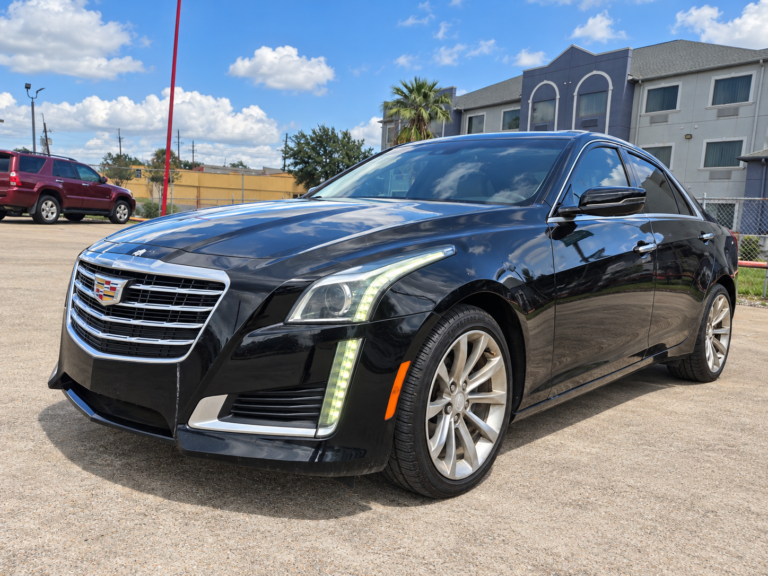
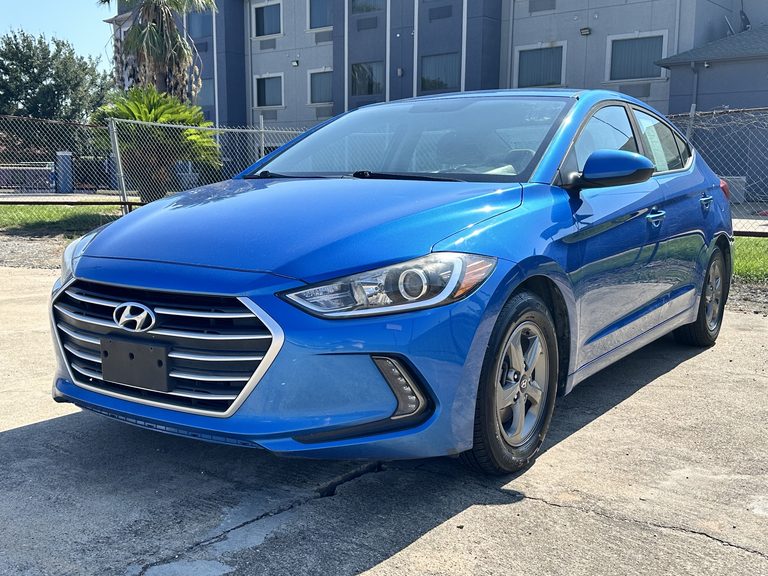
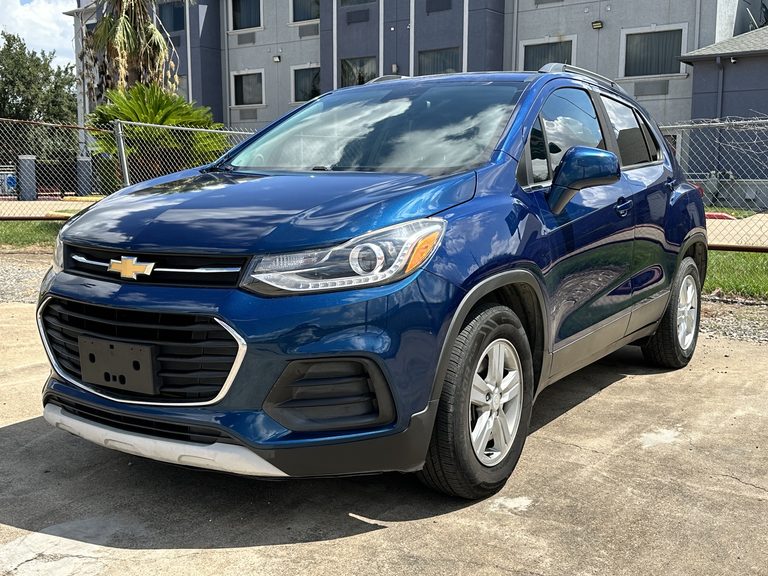
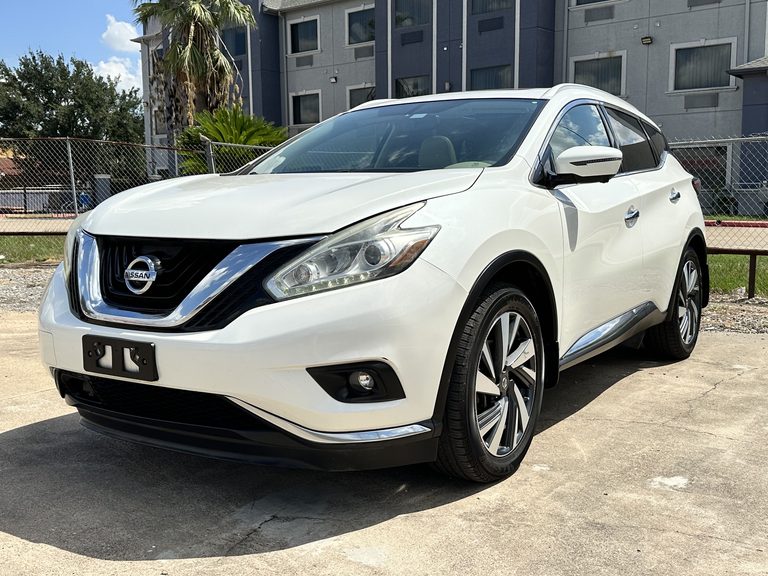
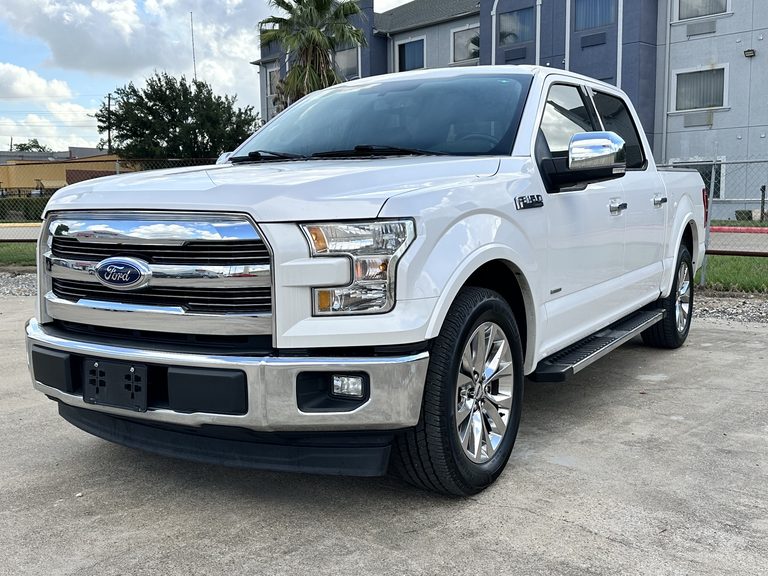
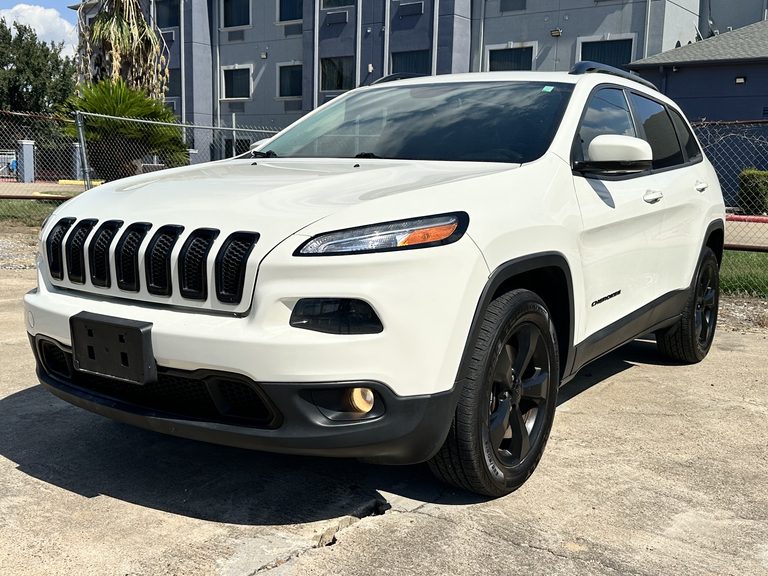
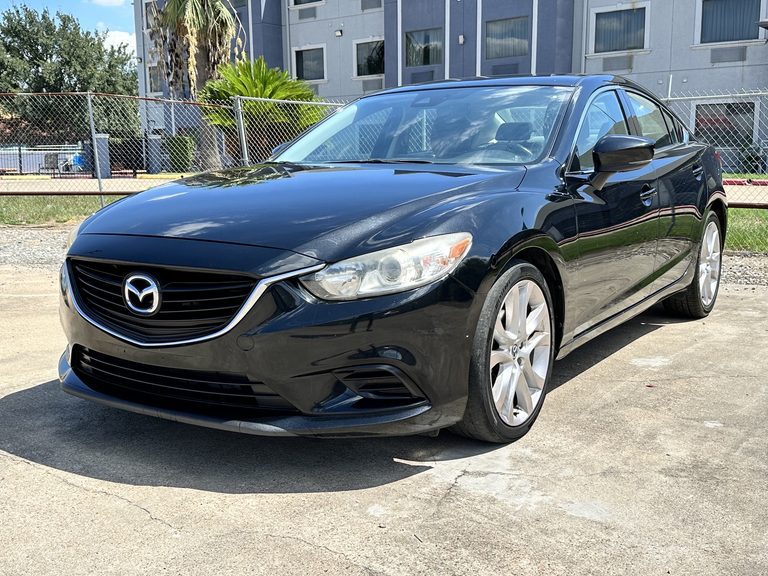
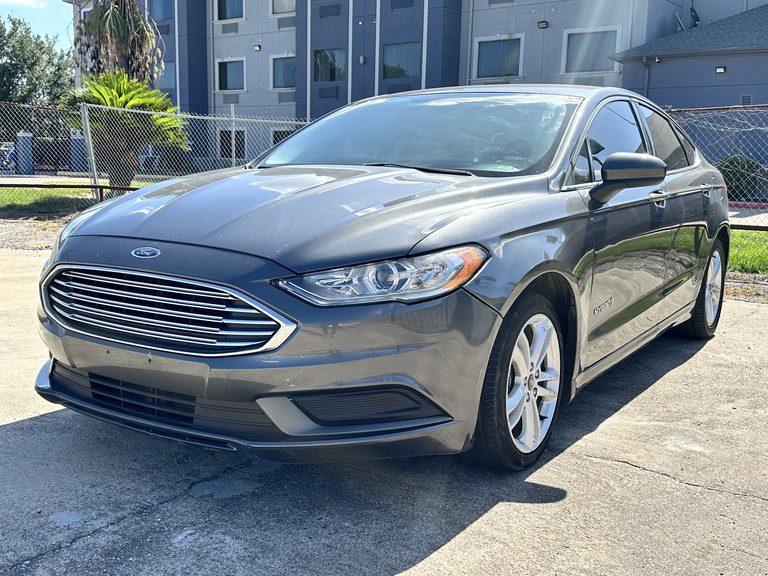
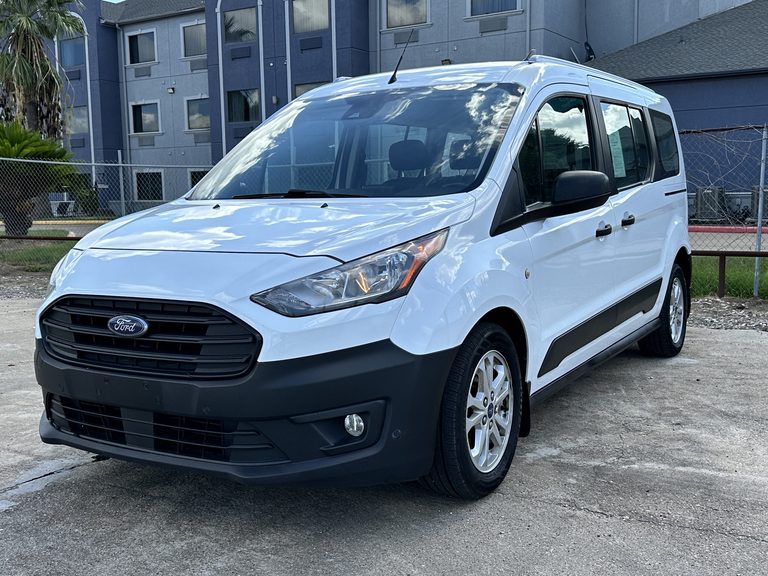
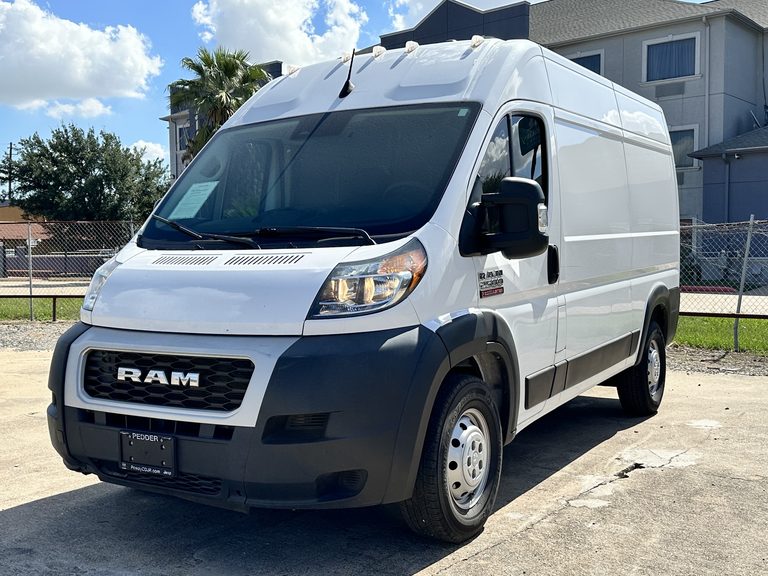
Open any vehicle photo, name, or details link to view that unit’s complete EZ Keys listing and photo gallery. City inventory pages also load the same WisePops inventory experience used on the main inventory page. Confirm availability, VIN, mileage, price, and an appointment at 17650 Northwest Fwy, Houston, TX 77065 before traveling.
Clear, locally relevant answers
Brownsville blog questions about vehicles and financing
Why start the Brownsville scorecard with a transit check?
Current B-Metro and regional transit information can identify trips that may be covered without a vehicle, letting the comparison focus on the remaining schedule, distance, passenger, cargo, and late-hour needs. Check the actual calendar and current service rather than assuming coverage.
Why use both a heavy-vehicle corridor case and a rain-day city case?
The first highlights acceleration, braking, tracking, mirrors, seating, cooling, and highway comfort; the second highlights low-speed control, parking, tires, wipers, defogging, lights, seals, and visibility. One easy segment cannot represent both.
What does a VIN-and-date stamp add to the Brownsville scorecard?
It ties every note to one vehicle and to the day the evidence was collected. Because odometer display, status, price information, physical site, and gallery details may later differ, refresh the critical fields directly before travel and again before relying on transaction documents.
Sources behind the local context
Official Brownsville and Texas resources
Use these links for durable transportation or planning context. Confirm current road conditions separately and verify every vehicle and financing detail with EZ Keys Autos before visiting 17650 Northwest Fwy, Houston, TX 77065.
Ready to find your next vehicle?
Used-car and financing help for Brownsville-area shoppers
Browse real EZ Keys listings, apply online when ready, and plan your visit to the one EZ Keys dealership at 17650 Northwest Fwy, Houston, TX 77065. Confirm the vehicle, availability, financing details, hours, and appointment before traveling.